
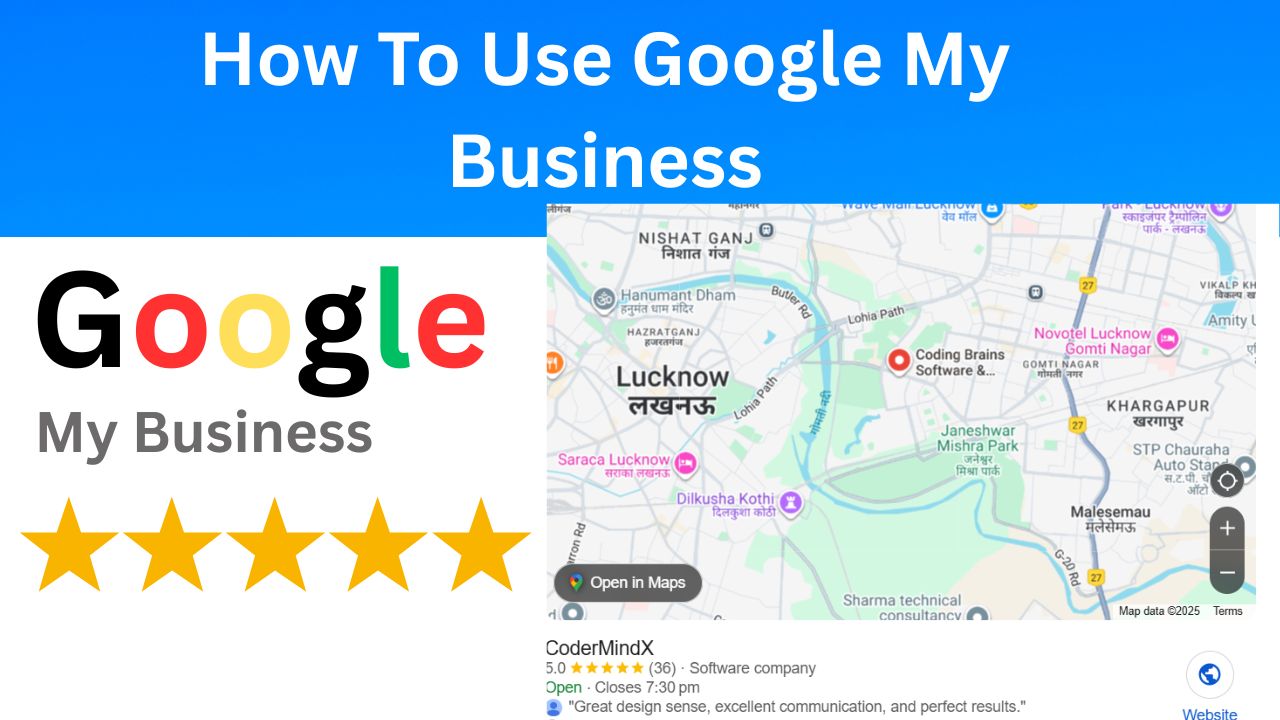
What Is Google My Business? Basics Explained
In today’s digital world, customers no longer rely solely on word-of-mouth to find local shops, restaurants or services. Instead, they search on Google – and that’s where Google My Business (GMB) comes in.
If you’re wondering what Google My Business is and how it can help your brand, you’re about to uncover one of the most powerful (and free) tools for growing your local presence.
Understanding Google My Business
Google My Business is a free tool from Google that allows business owners to manage how their business will appear in Google Search and Google Maps. It is designed to help local businesses attract more customers by making their business details easily visible online.
Think of it as your digital storefront. Before a customer comes to your physical location, they can see your business’s name, address, phone number, hours of operation, photos, and reviews directly on Google’s search results. This quick snapshot can help them decide whether to meet with you or contact you. In short, GMB connects your offline presence to your online audience, increasing your credibility and visibility in local searches.
Why Google My Business Is Important
If you’ve ever searched for “restaurants near me” or “best salon in [your city],” you’ve probably seen a list of local results with photos, ratings, and directions. Those listings come from the Google My Business profile. Why it’s important to have a verified GMB profile:
- Better local visibility: A complete and customized Google My Business profile helps your business appear in Google’s Local Pack – the top results that show a map and three highlighted businesses. This dramatically increases your chances of getting noticed.
- Trust through reviews: Customer reviews on your GMB profile act as digital word-of-mouth. Positive reviews build trust, and responding to feedback (both positive and negative) shows that you value your customers.
Accurate Business Information:
You can control the details your customers see – such as your business hours, contact number and website link. This helps prevent confusion and ensure customers always get accurate information.
- Free Marketing Exposure:
Unlike paid ads, Google My Business is free. Still, it offers incredible performance because it connects you directly to people searching for your services. - Insights and Analytics:
GMB provides performance insights – like how customers found your business, where they came from, and what actions they took. These analytics help you make better marketing decisions.
Key Features of Google My Business
When you create or claim your GMB profile, you gain access to several useful features that help boost engagement:
- Add Photos and Videos: Show off your store, team, or products. Posts with visuals receive more clicks and build customer trust.
- Customer Reviews: Encourage satisfied customers to leave reviews and reply to them promptly.
- Posts and Updates: Announce promotions, new arrivals, or events directly through your GMB dashboard.
- Q&A Section: Customers can ask questions, and you can answer them publicly to provide clarity.
- Bookings and Messaging: Depending on your business type, you can allow direct bookings or messages from your GMB listing.
All these features work together to make your business more discoverable and approachable.
How to Set Up Google My Business
Setting up your profile is simple and takes only a few steps:
- Go to https://www.google.com/business/
- Sign in with your Google account.
- Enter your business name, address, and category.
- Add contact information such as your phone number and website.
- Verify your business through a postcard, phone, or email verification.
- Once verified, optimize your profile by adding photos, operating hours, a business description, and updates.
Remember, the more complete your listing, the more Google trusts your information — improving your visibility in search results.
Tips to Optimize Your GMB Profile
Simply creating a profile isn’t enough. You need to optimize it regularly for the best results:
- Use your main keywords naturally in your business description.
- Keep your operating hours updated, especially during holidays.
- Add high-quality photos every few weeks.
- Respond to every review, even short ones.
- Post regular updates or offers to stay active in Google’s eyes.
Consistency signals that your business is active and reliable, increasing the chances of ranking higher in local search results.
Benefits of Managing Google My Business
Managing your GMB profile can yield multiple benefits beyond online visibility. Businesses that actively update their GMB listings often experience:
- More foot traffic from local customers.
- Increased calls and inquiries.
- Higher engagement rates from online visitors.
- Enhanced brand reputation through positive reviews.
For small business owners, freelancers, and service providers, this can mean more customers without spending extra on ads.
Read More 👉 Best IT Company in Lucknow – Innovative IT Services for Your Business Growth
Final Thoughts
Now that you understand what Google My Business is and why it’s important, it’s time to take action. Claim your listing, customize it, and keep it updated. Your potential customers are already searching for businesses like yours – and Google My Business is the bridge that connects their search to your door.
By managing your profile well, you can enhance your online presence, attract more customers, and build long-term trust – all without spending a single rupee.